
Whitelist Manager allows you to exclude specific files from future security scans. This is particularly useful for handling “False Positives”—legitimate files that the AI might flag as suspicious due to complex or unconventional code patterns. Once a file is whitelisted, the AI Malware Scanner will skip it in subsequent runs, ensuring your reports stay clean and focused only on actual threats.
Managing Whitelisted Files
You can access this manager by clicking the Manage Whitelist button on the main AI Scanner dashboard.
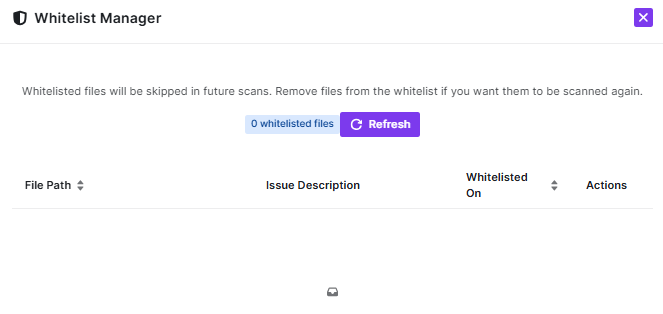
- File List: Any files you have marked as safe from previous scan results will appear here. The table displays the File Path, a brief Issue Description (why it was originally flagged), and the date it was Whitelisted On.
- Automatic Skipping: Whitelisted files are automatically ignored by the engine during both manual and scheduled scans.
- Removing from Whitelist: If you update a file or want the AI to re-analyze it, you can remove it from this list using the Actions column. This will include the file in the next scan cycle.
How to Whitelist a File
You do not add files manually here. Instead:
- Run an AI Malware Scan.
- Review the detected issues in your Scan Report.
- For any file you verify as safe, click the Whitelist option next to that specific result. The file will then automatically appear in the Whitelist Manager.
Dashboard Controls
- Whitelisted Files Counter: Quickly see exactly how many files are currently being bypassed by the scanner.
- Refresh: Use the Refresh button to update the list if you have recently whitelisted files from a separate scan window.
Pro-Tip
Audit Your Whitelist Regularly: It is a security best practice to review your whitelisted files after major plugin or theme updates. If a whitelisted file is modified by an attacker, it will remain invisible to the scanner. Periodically clearing your whitelist and performing a “fresh” scan ensures no malicious code is hiding in plain sight.


