
Analytics
Pull Cloudflare traffic and security metrics for a chosen zone and review them over the last 24 hours, 7 days or 30 days.
On this page
The Analytics screen is your high-level overview of how your website is performing and being protected on the Cloudflare network. It provides data-driven insights into your traffic volume, security threats, and server efficiency.
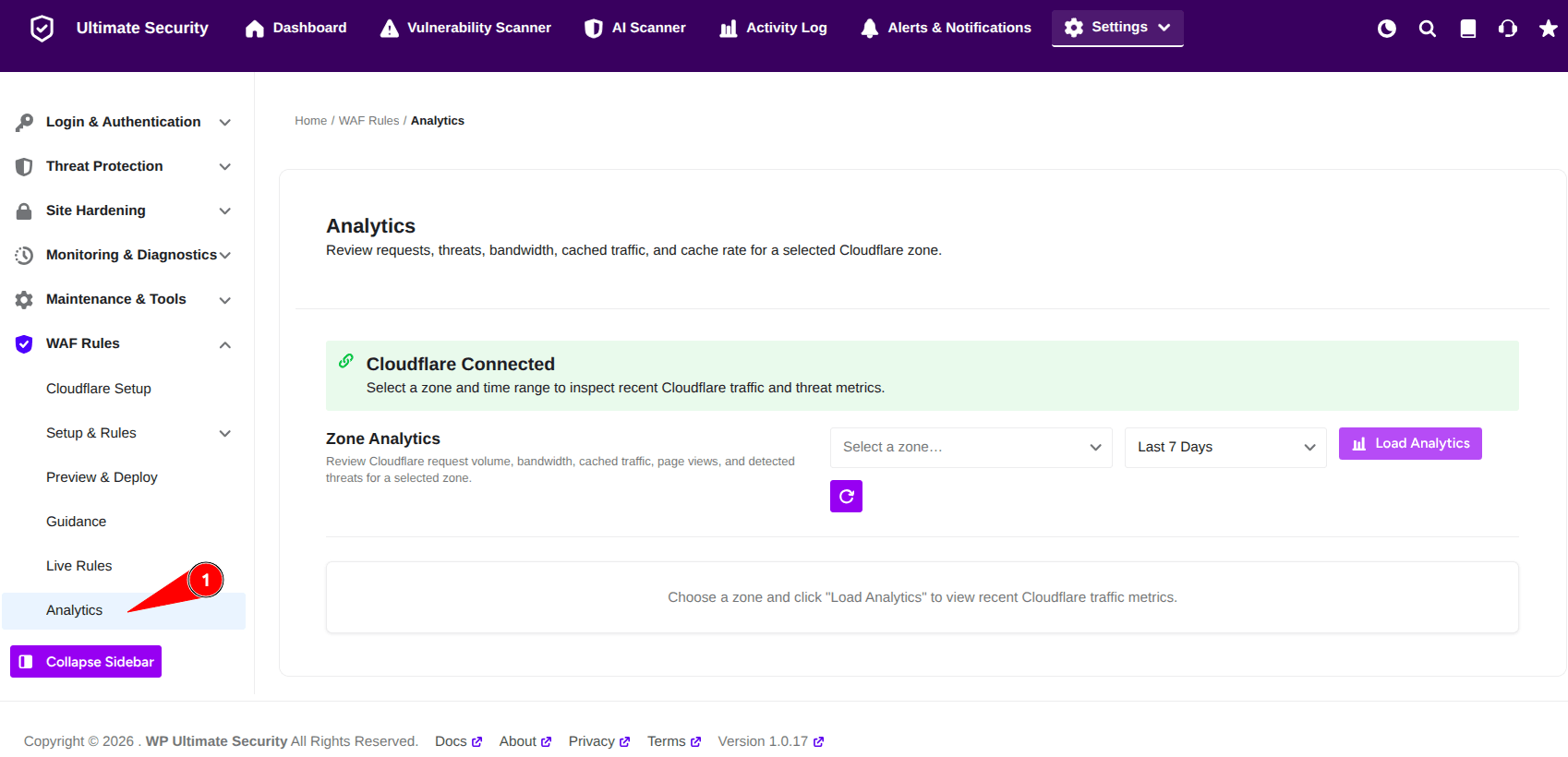
Zone Analytics
Before you can view your data, the plugin needs to pull the latest metrics from Cloudflare.
- Ensure the green status bar is visible. This confirms that your API credentials are active and ready to fetch data.
- Use the “Select a zone…” dropdown to choose the specific website domain you want to analyze.
- Select the period you want to review (e.g., Last 24 Hours, Last 7 Days, or Last 30 Days) to see trends over time.
Was this article helpful?
Thanks for the feedback.