
You can install the plugin in two ways. The easiest way is through the WordPress Dashboard.
Method 1: Install via WordPress Dashboard (Recommended)
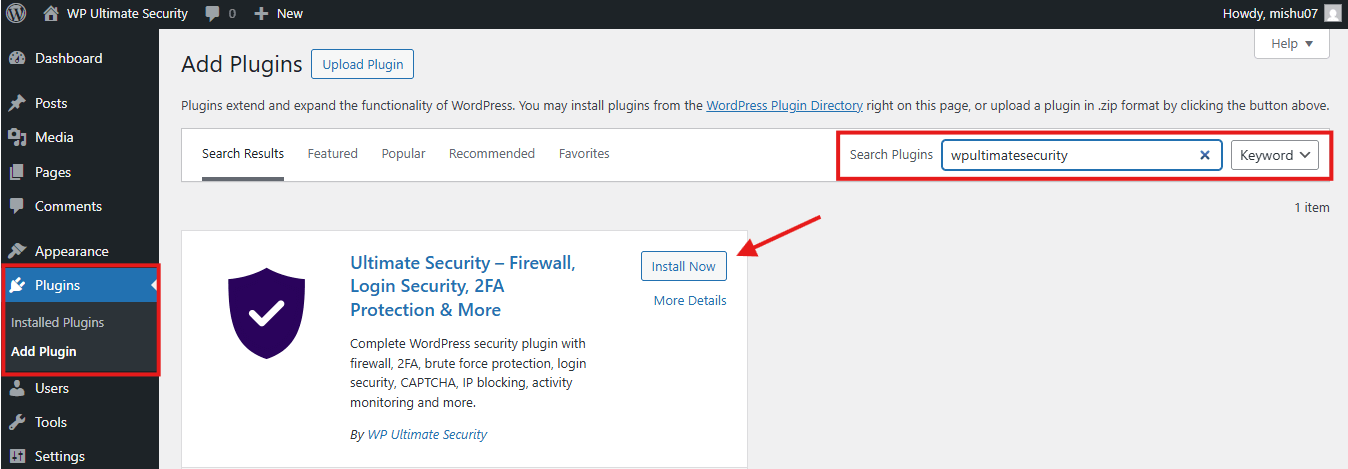
- Log in to your WordPress Dashboard.
- Navigate to Plugins → Add New.
- In the search bar (top right), type “wpultimatesecurity“
- Find the plugin “WP Ultimate Security–Firewall, Login Security, 2FA Protection & More” by wpultimatesecurity.
- Click the Install Now button.
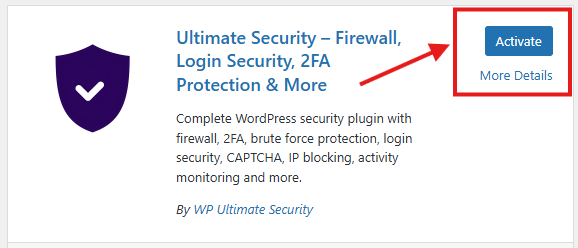
- Once the installation is complete, press Activate.
Method 2: Manual Zip file Download
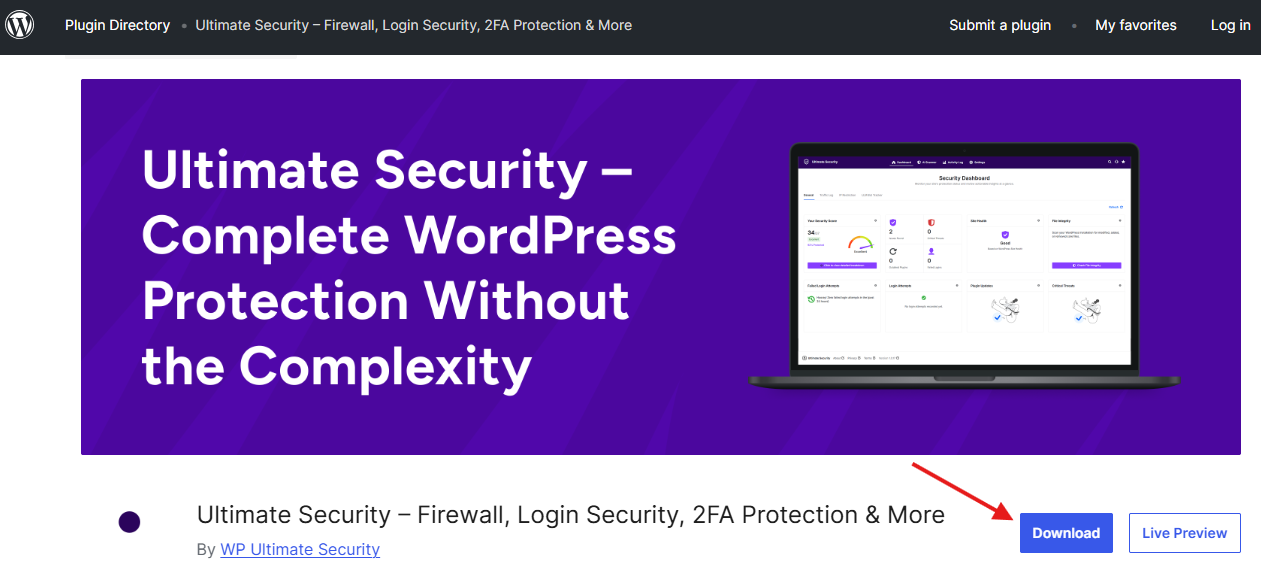
- Download the plugin zip file from the WordPress repository.
- Log in to your WordPress dashboard → Plugins → Add Plugins → Upload.
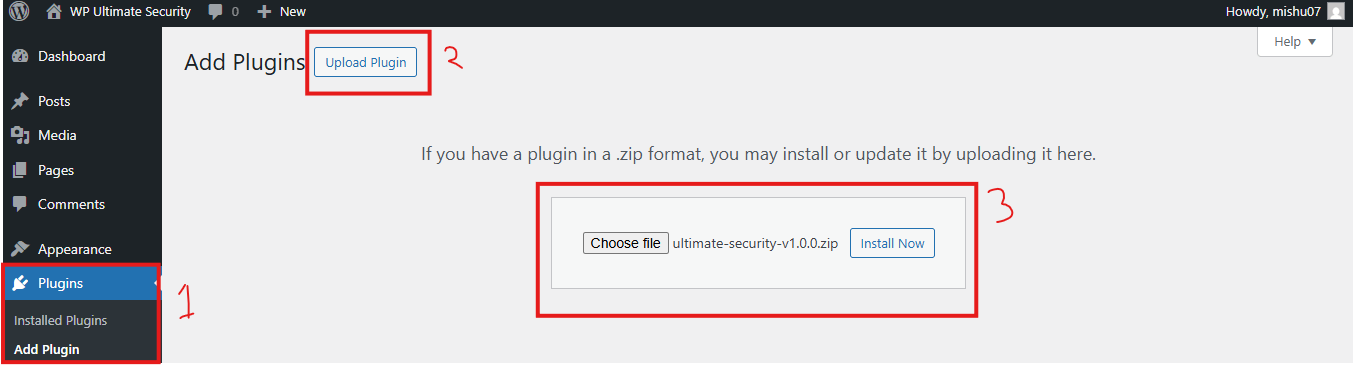
- Select the downloaded zip file from your computer, then upload it, and WordPress will automatically install it.
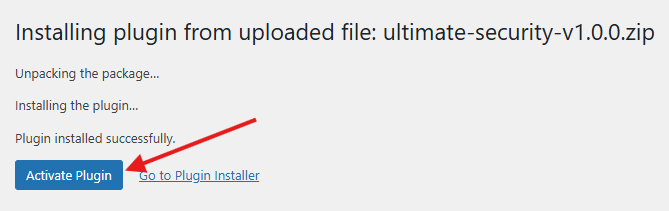
- Once the installation is complete, click to activate the plugin


