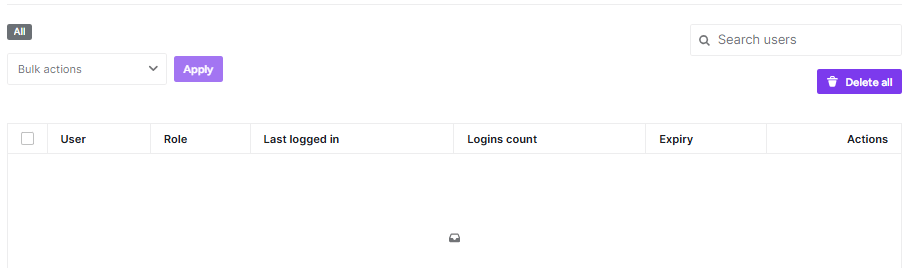
The Temporary Access feature allows you to grant secure, time-limited access to your WordPress site for developers, support staff, or collaborators. Instead of sharing your primary admin credentials, you can create unique temporary accounts that automatically expire, maintaining your site’s long-term security.
How to Create a Temporary Access Link
To generate a new temporary login, navigate to Temporary Access > Create Access Link and fill in the following details:
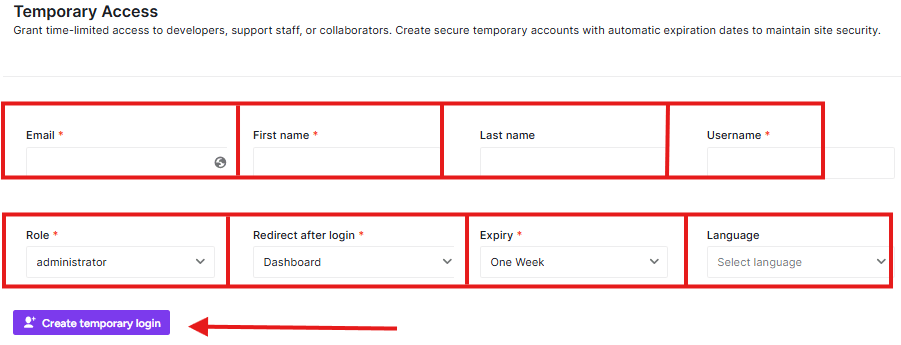
| Field | Description |
| The email address where the access link or notifications will be sent. | |
| First Name / Last Name | The identifiable name for the temporary user. |
| Username | A unique username for this temporary session. |
| Role | The WordPress user role (e.g., Administrator, Editor) assigned to the guest. |
| Redirect after login | Choose where the user lands (e.g., Dashboard) immediately after using the link. |
| Expiry | Set the lifespan of the account (e.g., One Day, One Week). |
| Language | Set the preferred dashboard language for the user. |
After creating the link, you will see the list below: