
The Automations tool within Session Management allows you to perform bulk maintenance on user accounts based on specific security criteria. This feature is particularly useful for cleaning up old or inactive accounts and ensuring that your user database remains secure and streamlined.
How to Execute User Deletion
This tool allows you to filter and remove users based on their role and registration date. Follow these steps to use the automation:
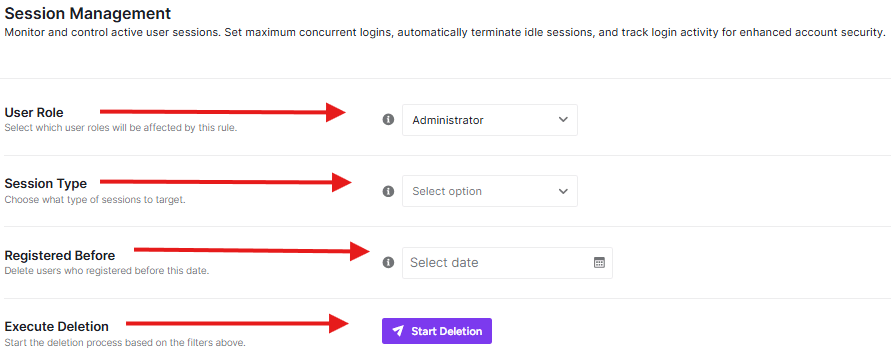
- User Role: Select the specific WordPress user role you wish to target from the dropdown menu (e.g., Administrator, Editor, Subscriber).
- Session Type: Choose the type of session status you want to target. (Has Active Session
No Active Session) - Registered Before: Use the date picker to select a cutoff date. The tool will only identify users who registered before this specific date.
- Execute Deletion: Once your filters are set, click the Start Deletion button to begin the process.
Warning: User deletion is a permanent action. We strongly recommend creating a full database backup before running this automation to prevent accidental loss of important user data.


