
Note: This is a pro feature.
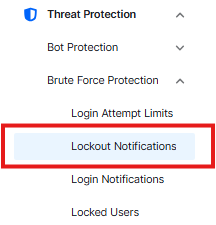
Lockout Notifications
The switch controls the configuration setting

Notification Email
- Enter the email address where you want to receive these alerts.
- After you type your email, click “send text” button. It will send a test email to make sure everything is working correctly. Check the Spam folder if it’s not found in the inbox
Notify On
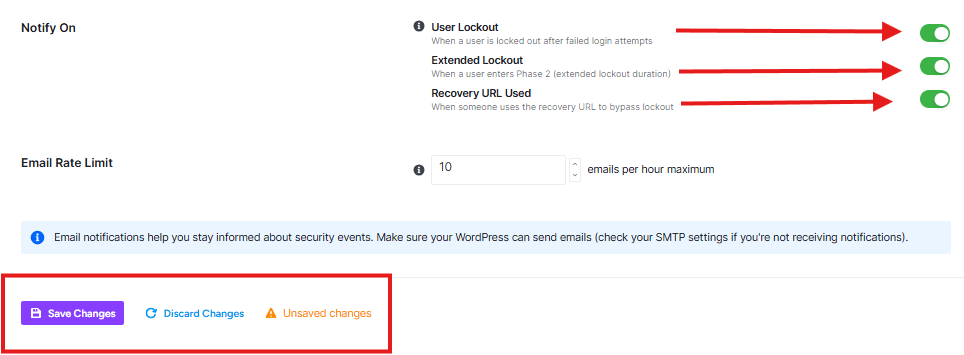
User Lockout
Sends an email when someone is blocked for trying the wrong password too many times.
Extended Lockout
Sends an email when a persistent hacker is blocked for a long time (usually because they kept trying to break in).
Recovery URL Used
Sends an email if someone uses the secret “Emergency Unlock Key.”
Email Rate Limit
If your site is under attack, you might get hundreds of alerts in a few minutes. This setting stops that. It limits the emails to 10 (default) per hour. This way, you stay informed, but your inbox doesn’t get completely clogged up.
Once you have your email address set and your choices made, click Save Changes at the bottom of the page.


