
Passkeys provide a passwordless authentication solution based on the WebAuthn standard. By using device-based methods such as fingerprints, facial recognition (FaceID), or a hardware security key, you can provide a modern, highly secure, and friction-free login experience for your users.
Navigation
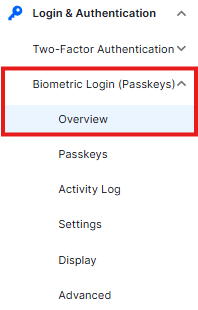
To access the Passkeys management dashboard, navigate to: Ultimate Security > Biometric Login (Passkeys) > Overview
Passkeys Statistics
The statistics panel provides a high-level overview of how passwordless authentication is being adopted on your WordPress site:

- Users: The total number of unique users who have at least one passkey registered.
- Passkeys: The total count of active passkeys currently enrolled across the entire site.
- Activities: A tally of all authentication events processed via WebAuthn.
- Challenges: The number of cryptographic challenges issued by the server to verify user identity.
Quick Actions
From the Overview screen, you can quickly jump to specific management tasks using the following buttons:

- Settings: Configure global passkey behavior, such as user enrollment rules and authentication requirements.
- Activity Log: View a detailed audit trail of all biometric login attempts and registrations.
- Manage Passkeys: Direct access to add, remove, or rename passkeys for your account.
Authenticator Types
This section displays a distribution chart of the devices and methods your users are choosing for authentication. Common types include:
- Platform Authenticators: Built-in methods like Windows Hello, Touch ID (macOS/iOS), or Android Biometrics.
- Cross-Platform Authenticators: External hardware keys (USB/NFC/Bluetooth) used for logging in across multiple devices.
Recent Activity
The Recent Activity log provides a real-time feed of login events. This allows administrators to monitor:
- Which user logged in.
- The timestamp of the authentication.
- The status (Success/Failure) of the biometric verification.


