
Virtual Patches (CVE)
Virtual Patches is an advanced security feature designed to protect your WordPress website from newly discovered vulnerabilities (known as CVEs or Common Vulnerabilities and…
On this page
Virtual Patches is an advanced security feature designed to protect your WordPress website from newly discovered vulnerabilities (known as CVEs or Common Vulnerabilities and Exposures) instantly, even before you have a chance to update your plugins, themes, or WordPress core.
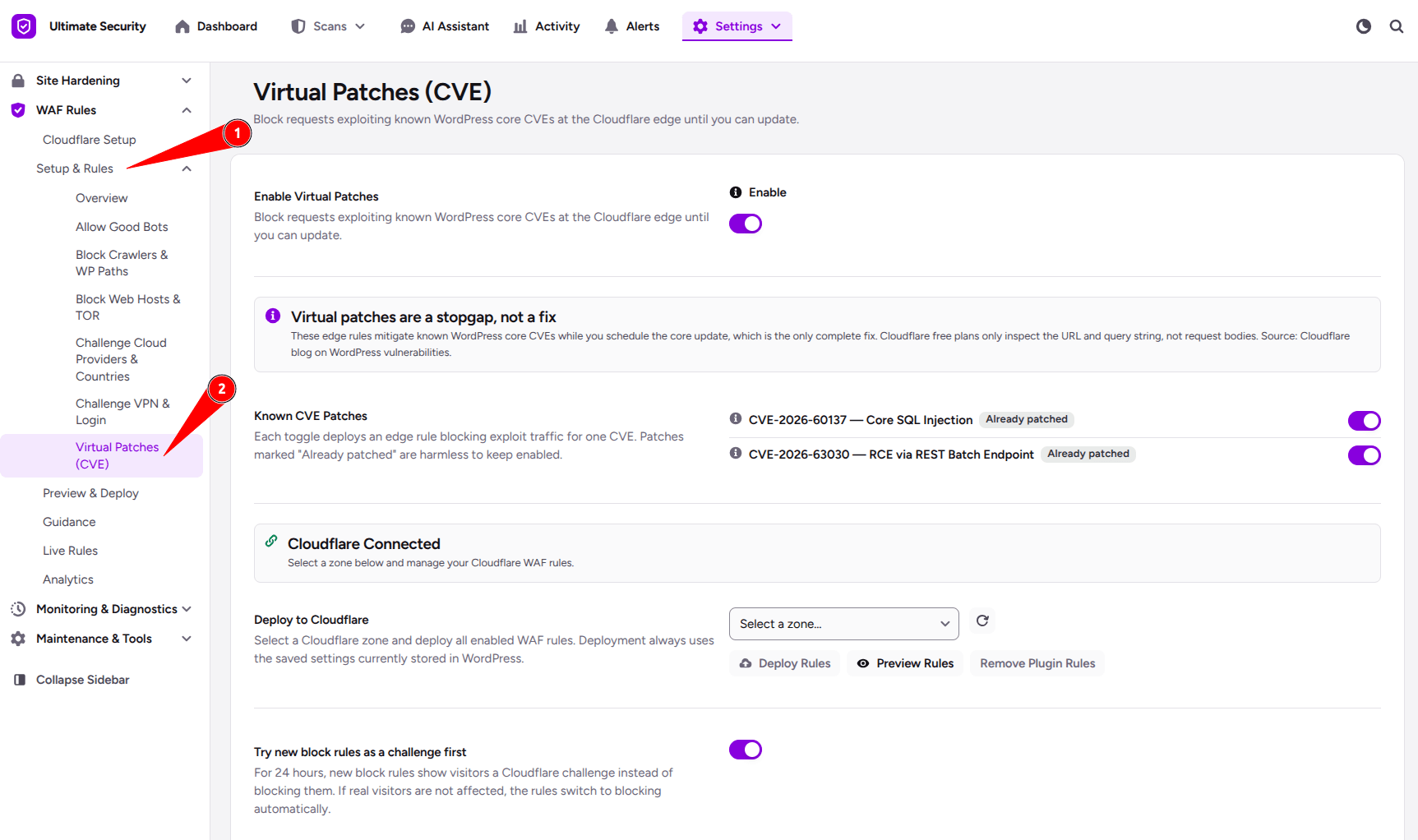
Important Note: Virtual patches are a stopgap, not a permanent fix. They buy you safety and time, but you should still update your WordPress core as soon as an official patch or update is released.
Enable Virtual Patches
This is the master switch that controls the entire feature. Turn the switch “On” to activate Cloudflare-level protection against known WordPress core vulnerabilities. When turned off, no virtual patching rules will run.
Known CVE Patches
This section lists emergency security patches for specific WordPress core vulnerabilities. Each patch functions as an individual defense layer that you can enable or disable using its toggle switch.
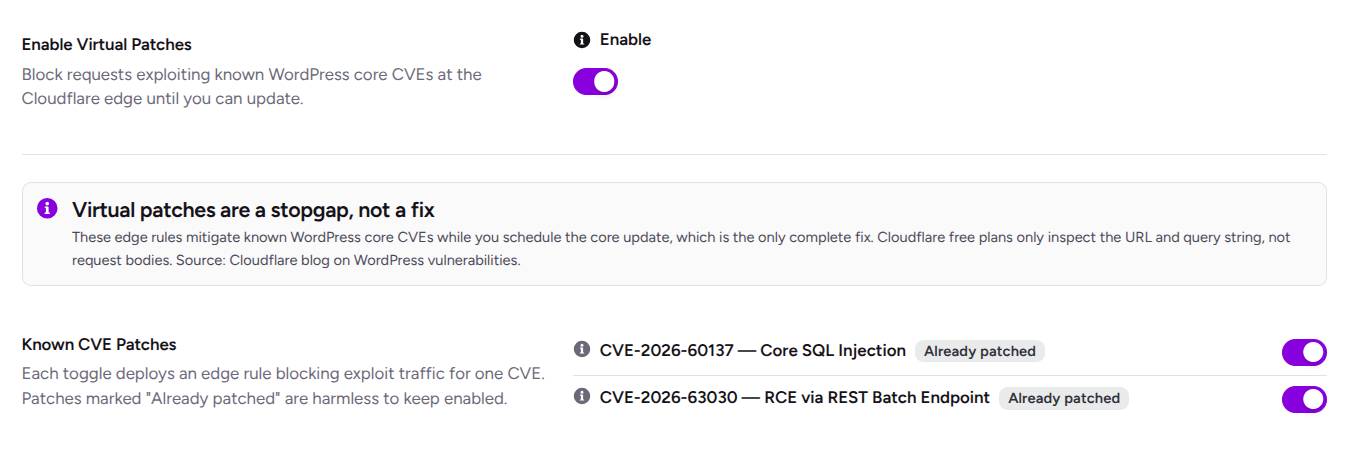
CVE-2026-60137 — Core SQL Injection
It blocks common SQL injection payloads in the query string at the Cloudflare edge.
Note: Cloudflare free plans cannot inspect request bodies, so POST-body vectors are not covered. You must update WordPress to fully patch this.
CVE-2026-63030 — RCE via REST Batch Endpoint
It blocks unauthenticated requests to the /wp-json/batch/v1 endpoint (including ?rest_route= access).
Note: Logged-in users are exempt, allowing
wp-adminand editors to continue working normally.
Try new block rules as a challenge first
A safety feature that prevents legitimate visitors from getting accidentally locked out when a new security rule goes live. When enabled, for the first 24 hours, any new block rule will treat suspicious visitors by showing them a Cloudflare challenge instead of outright blocking them.
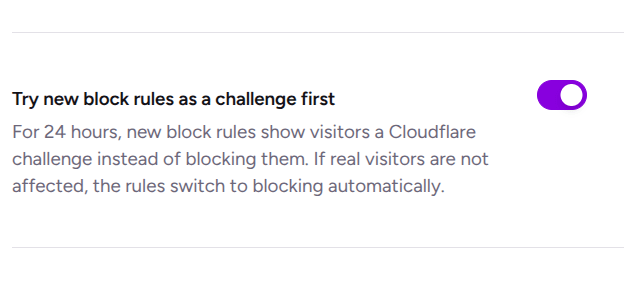
If it’s a real human, they can easily verify and access the site; if it’s a bot, it gets stopped. After 24 hours, the rule automatically switches to strict blocking.
Deploy to Cloudflare
After configuring your settings, you must save and deploy to make it active on Cloudflare.
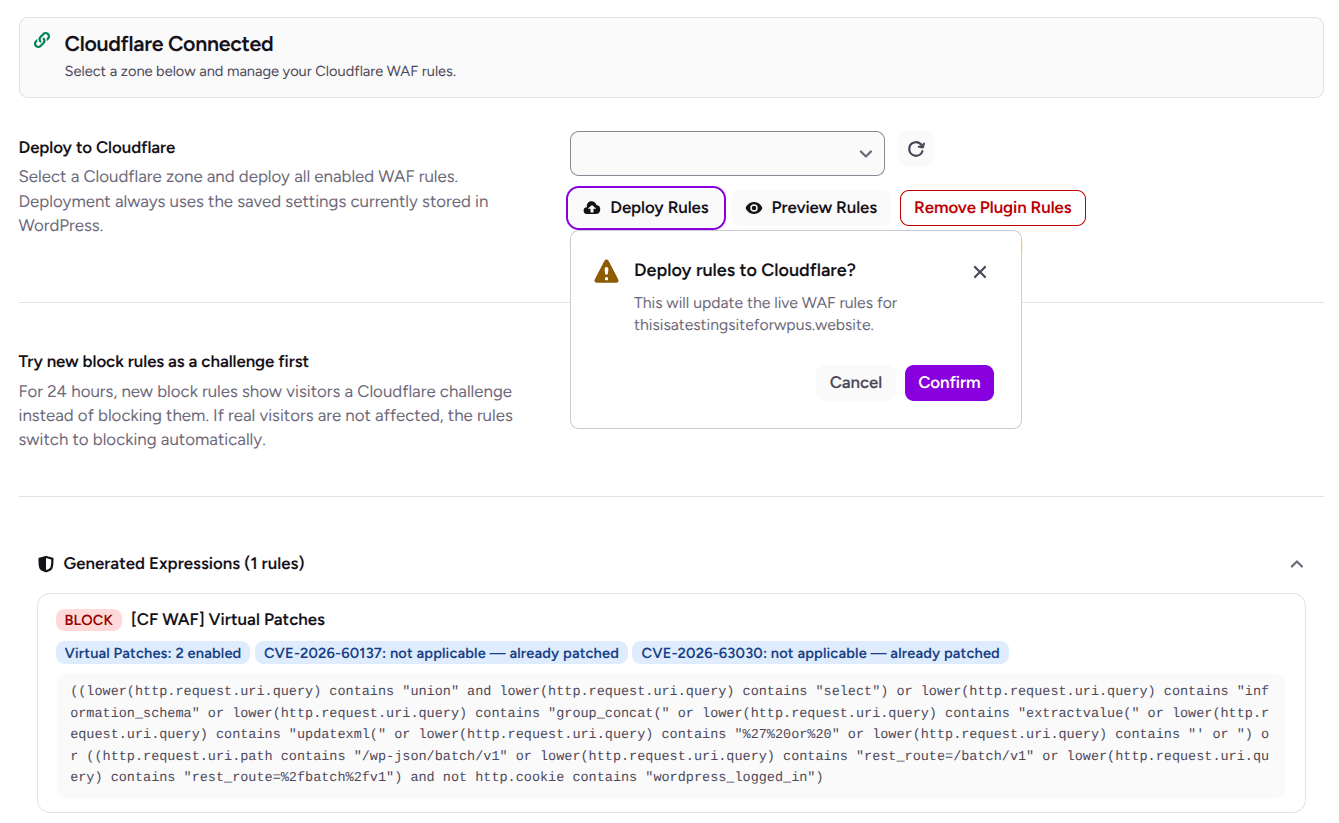
Deploy Rules: Pushes your saved settings to Cloudflare and activates them live
Preview Rules: Shows you the exact rule expressions that will be generated. Review before deploying
Remove Plugin Rules: Removes all WAF rules created by this plugin from Cloudflare
Zone Selector: Choose which Cloudflare domain (zone) to deploy to.
How Deployment Works From the Plugin:
- Save your WAF settings first using the Save Changes button at the bottom of the page
- Select the Cloudflare zone you want to protect
- Preview Rules shows the current draft output, including source tags for each generated rule
- Deploy Rules pushes only the saved plugin-managed rules and preserves unrelated Cloudflare rules