
Display
Add passkey login to WooCommerce, MemberPress and Easy Digital Downloads, embed login or register shortcodes, and show passkeys in user screens.
On this page
The Display tab allows administrators to integrate passkey login and registration buttons into third-party e-commerce or membership plugins, embed passkey forms using shortcodes, and manage admin dashboard visibility.
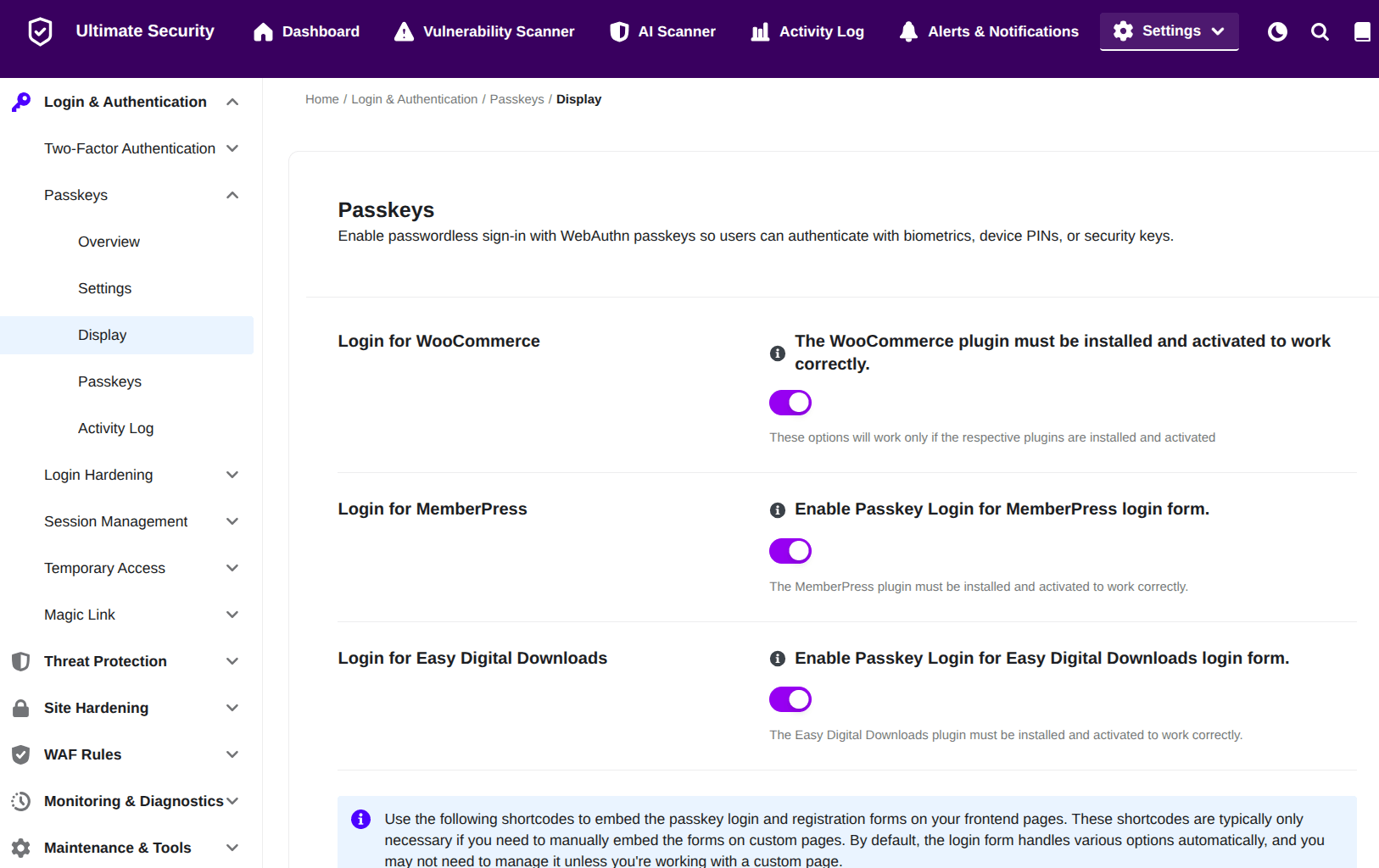
Configure Third-Party Plugin Integrations
Enable passkey authentication on login forms generated by supported third-party plugins.
- Login for WooCommerce
- Function: Enables passkey sign-in capabilities on WooCommerce checkout and account login forms.
- Action: Toggle ON to display passkey login options on WooCommerce pages. Note: WooCommerce must be installed and active.
- Login for MemberPress
- Function: Adds passkey authentication options to MemberPress login forms.
- Action: Toggle ON to enable MemberPress login integration. Note: MemberPress must be installed and active.
- Login for Easy Digital Downloads
- Function: Integrates passkey sign-in into Easy Digital Downloads (EDD) login forms.
- Action: Toggle ON to enable EDD login integration. Note: Easy Digital Downloads must be installed and active.
Utilize Custom Shortcodes
Embed passkey login and registration elements manually onto custom pages or widget areas.
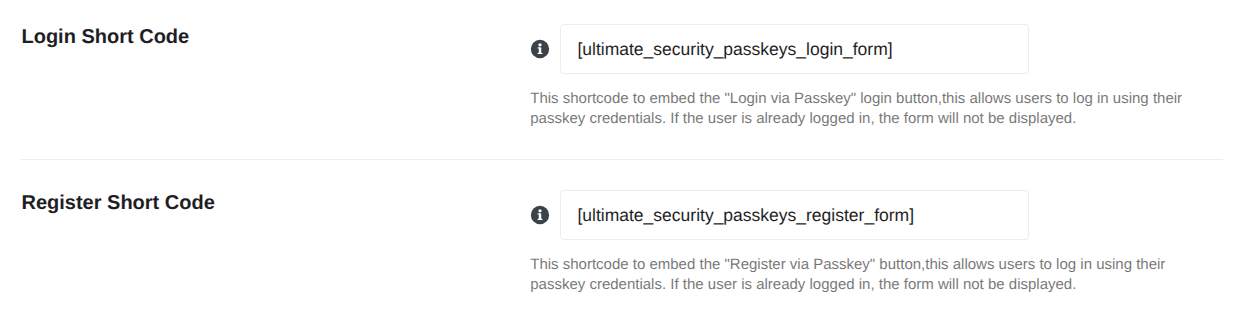
- Login Short Code
- Function: Embeds a standalone “Login via Passkey” button.
- Code:
[ultimate_security_passkeys_login_form] - Behavior: Displays the login form to logged-out visitors. If a user is already authenticated, the form automatically hides.
- Register Short Code
- Function: Embeds a standalone “Register via Passkey” form/button.
- Code:
[ultimate_security_passkeys_register_form] - Behavior: Allows users to register new passkeys from the front end. If a user is already logged in, the form hides.
Manage Admin Area Visibility
Control how passkey data is presented within the WordPress admin dashboard.
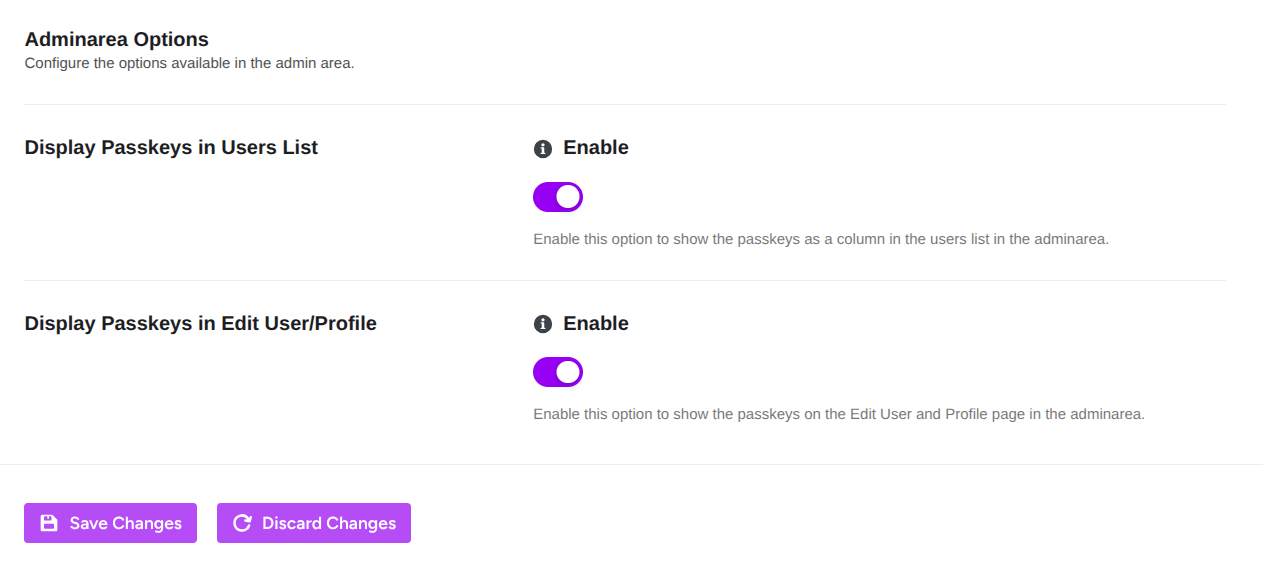
- Display Passkeys in Users List
- Function: Adds a dedicated passkey column to the standard WordPress Users list page (
Users$\rightarrow$All Users). - Action: Toggle ON to view passkey counts and status directly alongside user accounts.
- Function: Adds a dedicated passkey column to the standard WordPress Users list page (
- Display Passkeys in Edit User/Profile
- Function: Shows registered passkeys and management controls on individual WordPress user profile pages.
- Action: Toggle ON to allow users or admins to inspect passkeys from the account profile editor.
Click Save Changes to immediately apply your updated configuration across your site, or click Discard Changes to undo uncommitted edits and reset back to your previously saved settings.